
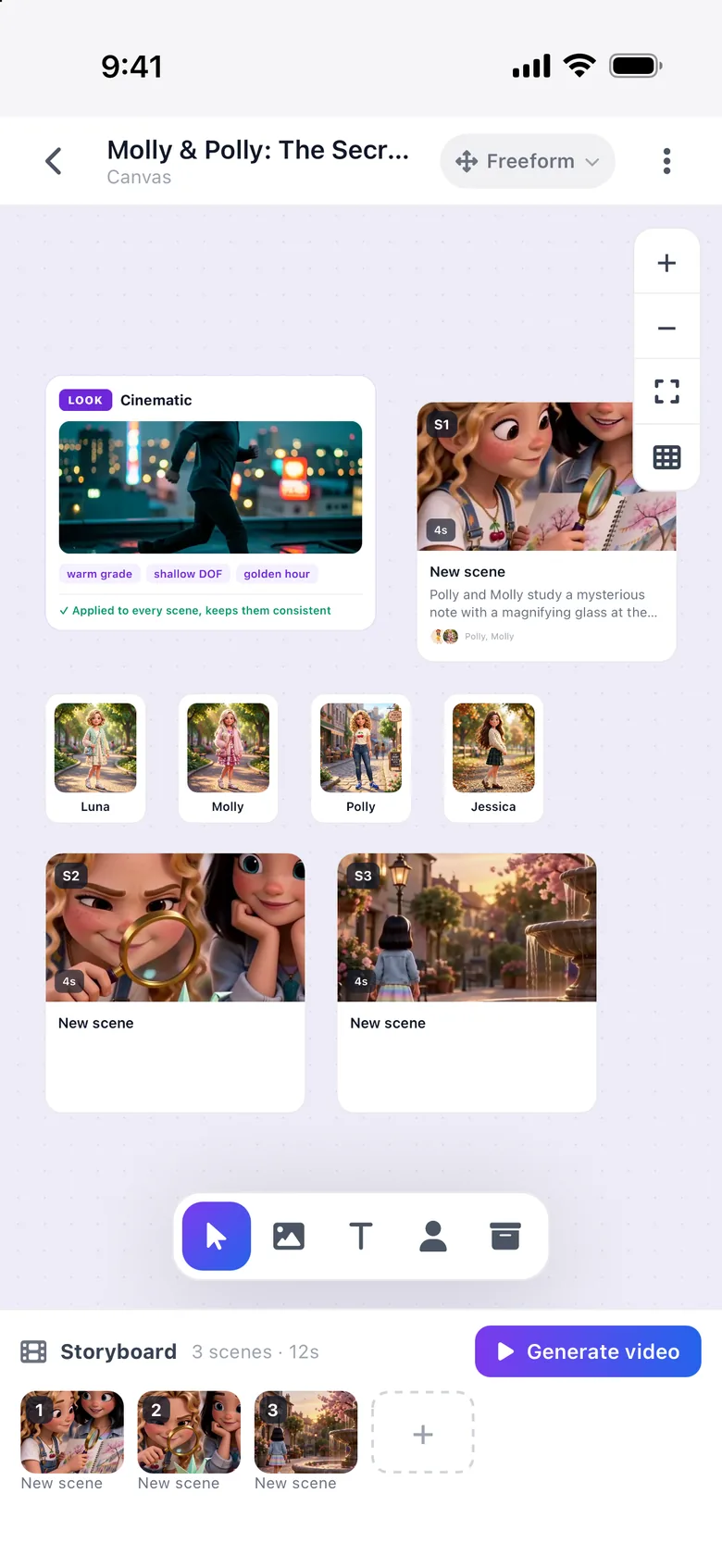
You wrote it. You storyboarded it. You can see every shot in your head. The only thing missing was a way to bring it to life. Loovie gives you that: a story engine that breaks scenes into shots, a character library that keeps your cast on hand, and generations that match your visual references.
Stories Loovie was built for.
- SHORT FILM
Festival shorts
8 to 15 minute narrative pieces. Pitch them to LoovieFest, Sundance Ignite, Tribeca.
- EPISODIC
Series pilots
Spec a 6-episode arc, generate the pilot, take it to a writers room.
- PROOF
Concept reels
A 90-second proof-of-concept for a feature you actually want to shoot.

From an idea to a finished cut.
-
Step 1: Start from a prompt
Describe a scene or paste your idea as text. No screenplay format needed.
-
Step 2: Save your cast
Save each character with variations (angles, outfits) and reuse them across scenes.
-
Step 3: Generate the shots
Multi-Shot turns one prompt into up to 6 shots. Motion Reference makes a character move like a person in a clip you record.
-
Step 4: Cut and export
Drag-and-drop timeline, music and sound effects, captions, then export.
Try these prompts.
Paste one into the app and tap generate.
-
"Wide shot, kitchen at 2am, single fluorescent light. A woman in her 40s stands at the sink, not moving. The window behind her shows rain."
-
"Tracking shot from behind, character running through a hospital corridor. Handheld, slight motion blur, fluorescent overheads."
-
"Close on hands tying a fishing line at sunrise. Cold blue grade. Steam off the river."
The tools that matter for you.
-
Multi-Shot Video
One scene becomes up to 6 shots, each with their own prompt and timing.
-
Motion Reference
Record an actor, dancer or stunt performer and your character mirrors the movement.
-
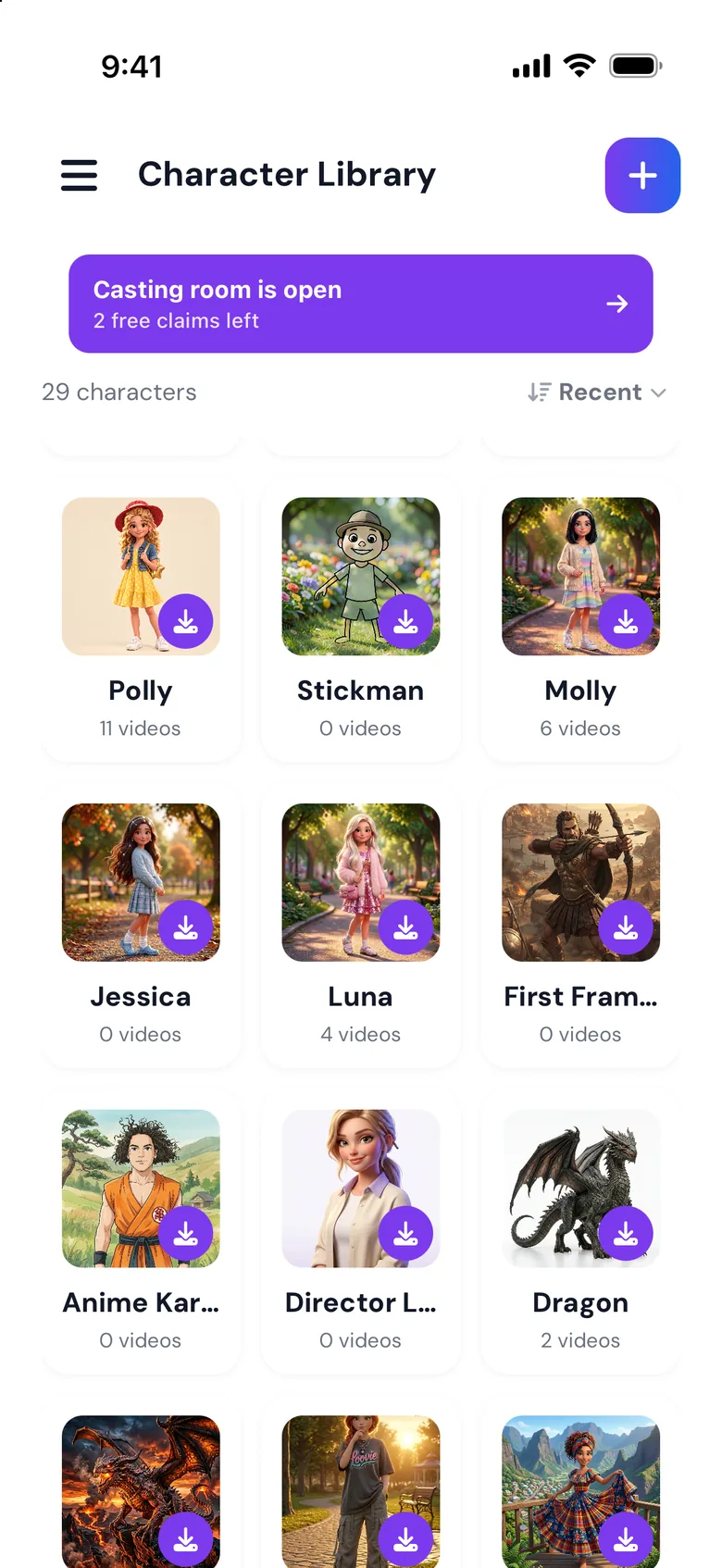
Character Library
Save your protagonist once (wardrobe, age, scars, the lot) and reuse across scenes.
-
Character Swap
Swap a saved character into any clip, frame by frame.