A story is not finished when the words are. For kids' book authors and narrative writers, Loovie is the studio that was never affordable: a character library so you don't redescribe your cast every scene, backgrounds you can revisit, and a way to bring your story to life without ever leaving the manuscript.
Stories Loovie was built for.
- PICTURE BOOK
Read-along videos
Turn your story into a 3 to 6 minute read-along video, reusing your saved characters across scenes.
- BOOK TRAILER
Book trailers
60 to 90 second story trailers for your novel launch or Kickstarter.
- EPISODIC
Bedtime series
Turn one character into an episode-a-week universe your readers come back for.
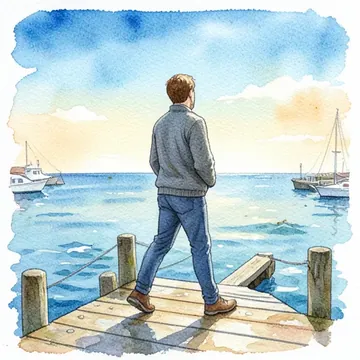
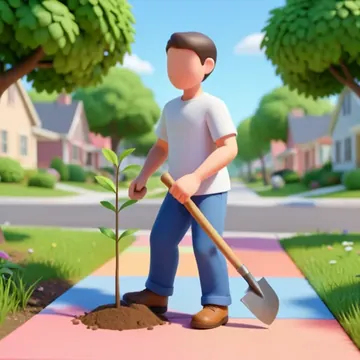
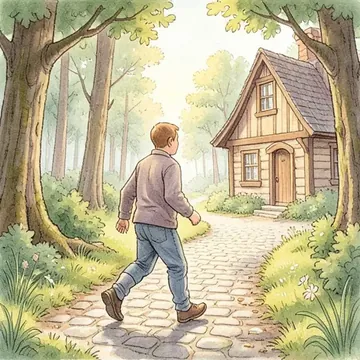
From a written scene to a finished clip.
-
Step 1: Start from your text
Describe a scene or beat as a prompt. No manuscript import needed.
-
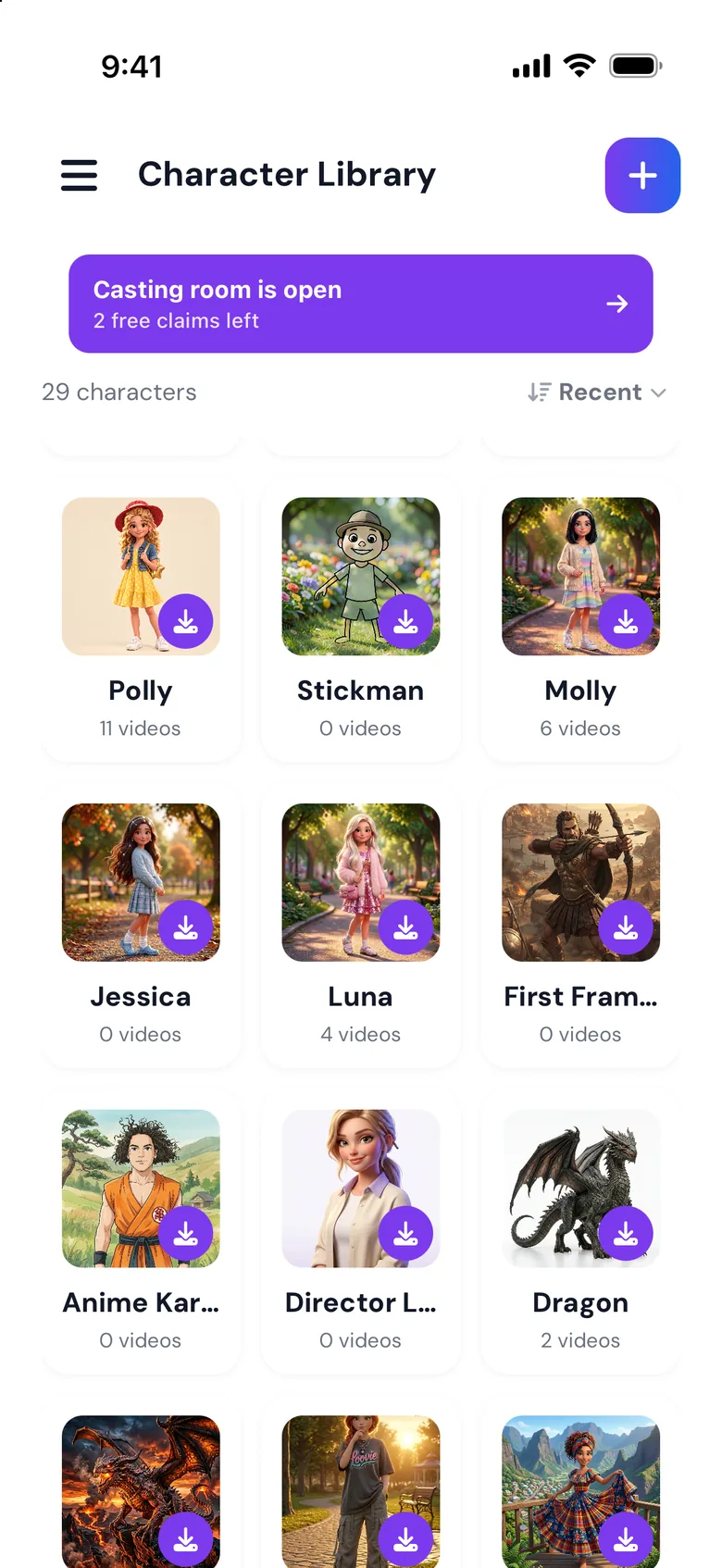
Step 2: Save your cast
Save your characters with variations once and reuse them scene to scene.
-
Step 3: Generate scene by scene
Turn each described scene into a clip with Multi-Shot.
-
Step 4: Add narration
Record your own voiceover in the app and lay it over the timeline.
Try these prompts.
Paste one into the app and tap generate.
-
"A small girl with red wellies stands at the edge of a puddle that reflects a city of paper boats."
-
"The sleepy dragon yawns. Steam, not fire, comes out. A village mouse waves from a teacup."
-
"Mira looks up. The moon fish is swimming through the chimney smoke, leaving silver scales behind."
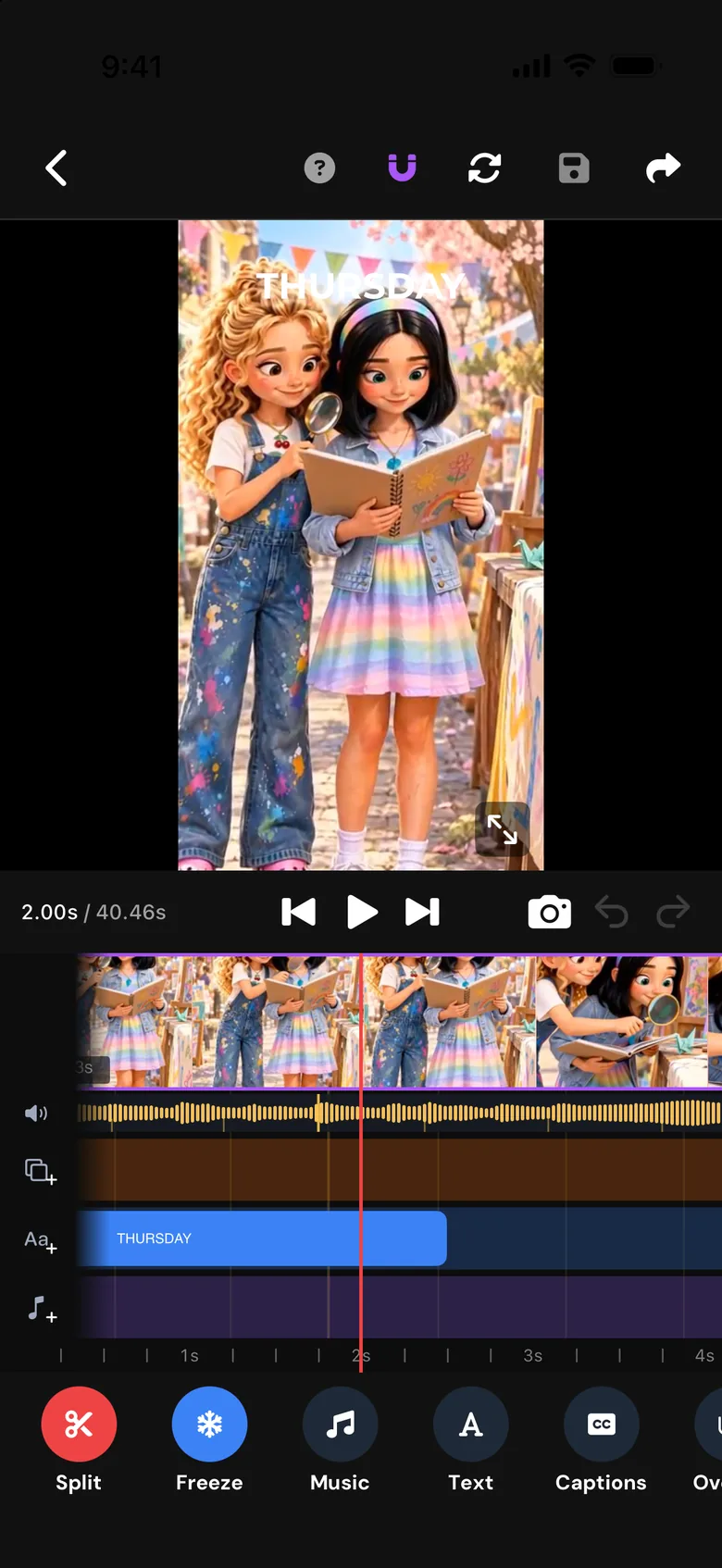
The tools that matter for you.
-
Character Library
Save your protagonist once and reuse them across every spread and book.
-
Background Library
Save the forest, the bedroom, the underwater kingdom. Revisit them in the sequel.
-
Voiceover recording
Record your own narration directly in the app and add it to your project.
-
Music
Create a soundtrack for your story and layer multiple audio tracks in-app.