If you have ever written a kids' book, you know the maths: 24 spreads, one illustrator, six months. Loovie is the version you never had time for: describe each page, reuse your saved characters, and narrate it with your own voice.
Stories Loovie was built for.
- READ-ALONG
Read-along videos
A 4 to 6 minute video of your story, with your own recorded voiceover over the top.
- TRAILER
Launch trailers
60 second trailers for your KDP or hardcover launch. School-safe by default.
- EPISODIC
A character a week
Spin a one-book character into an episodic universe parents come back for.
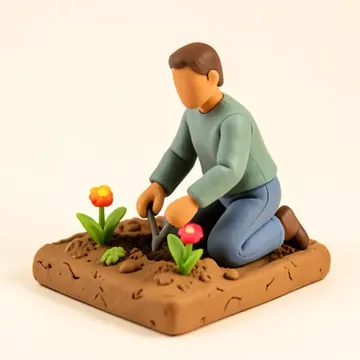
From a page to a bedtime clip.
-
Step 1: Describe each page
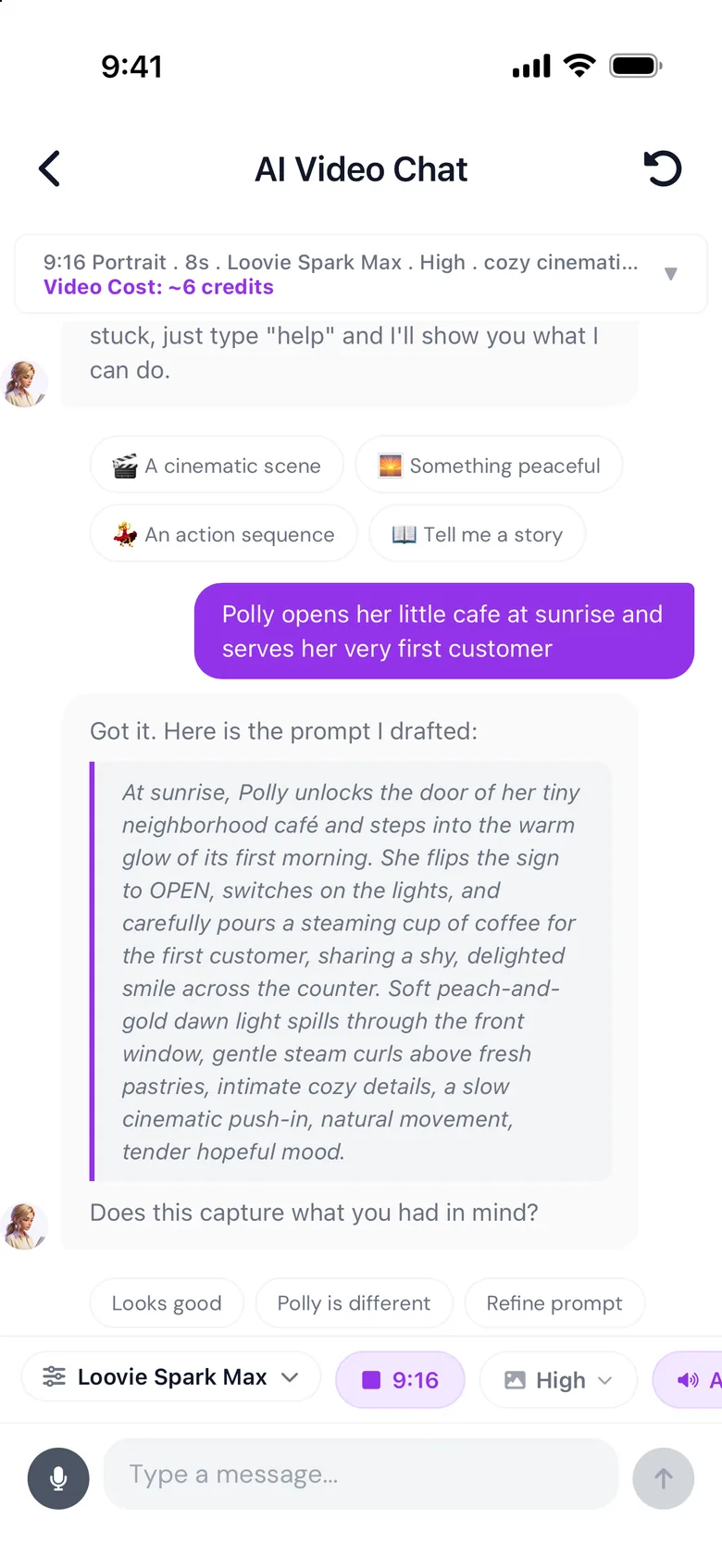
Write what happens on a page as a prompt; generate it as a clip.
-
Step 2: Save the cast
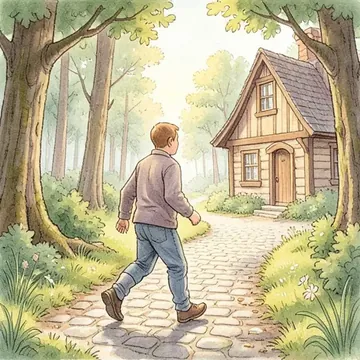
Save the bunny once (its fur, scarf and eyes) and reuse it page to page.
-
Step 3: Add a style reference
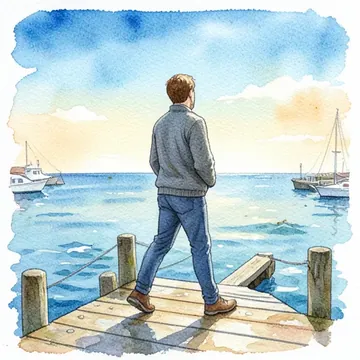
Add a reference image so generations follow your watercolour, ink or paper-cut look.
-
Step 4: Add your voice
Record yourself reading as voiceover, right in the app.
Try these prompts.
Paste one into the app and tap generate.
-
"A little fox in a yellow raincoat finds a glowing acorn under a maple tree. Watercolour, soft ink edges."
-
"Mira and her cat float through a sky made of bedtime stories. Each cloud is a different page from a different book."
-
"The sleepy dragon tucks the village in for the night. Pencil and watercolour, warm lamp glow."
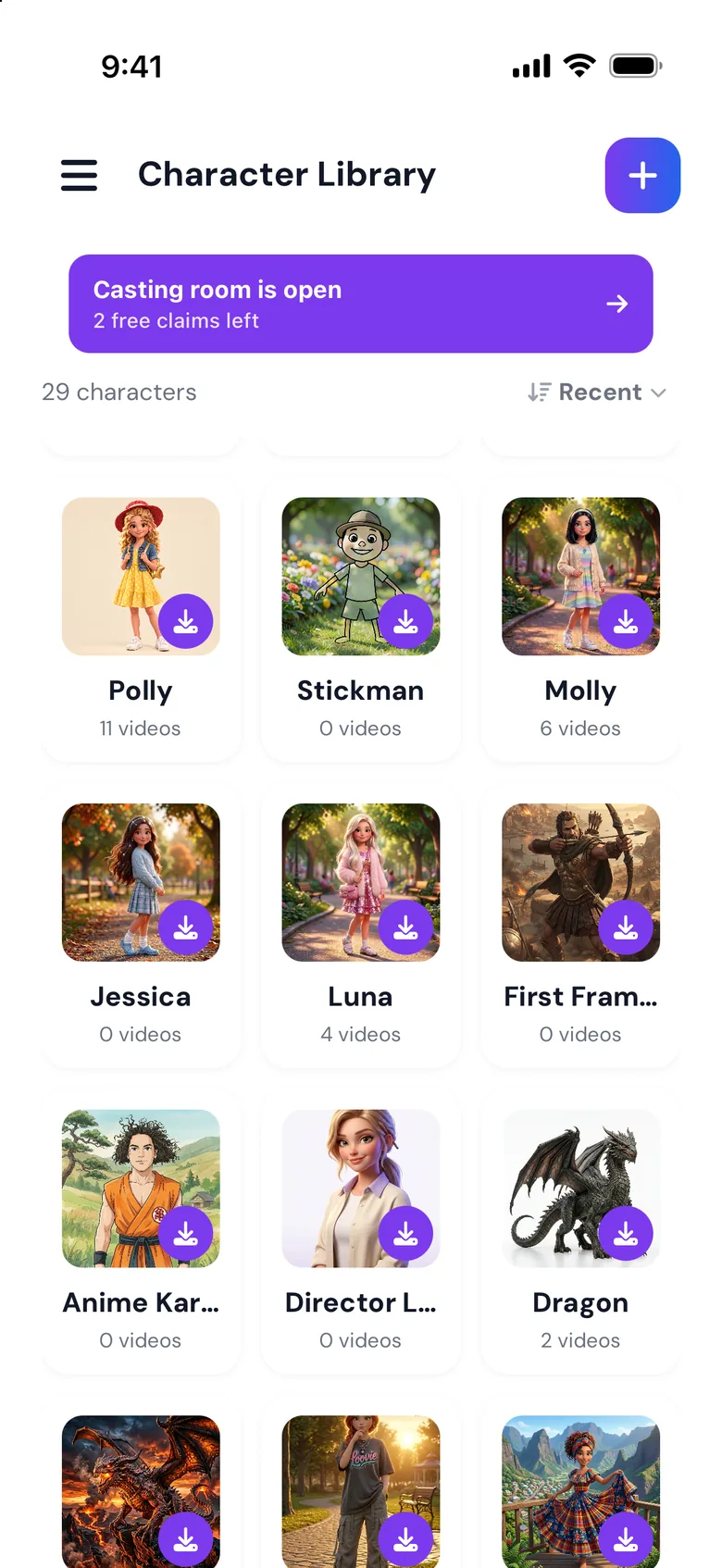
The tools that matter for you.
-
Character library
Save your characters once and bring them back on every spread.
-
Style References
Add a reference image so generations follow your art style.
-
Voiceover recording
Record yourself reading directly in the app and add it to the timeline.
-
Private by default
Your content is private to your account and is not used to train models.